Questions
Does it work in Google Sheets?
Yes. Upload the .xlsx to Google Drive and open it with Google Sheets. It uses standard functions (SUMIFS, VLOOKUP, LOOKUP) and no macros.
Will it do my taxes?
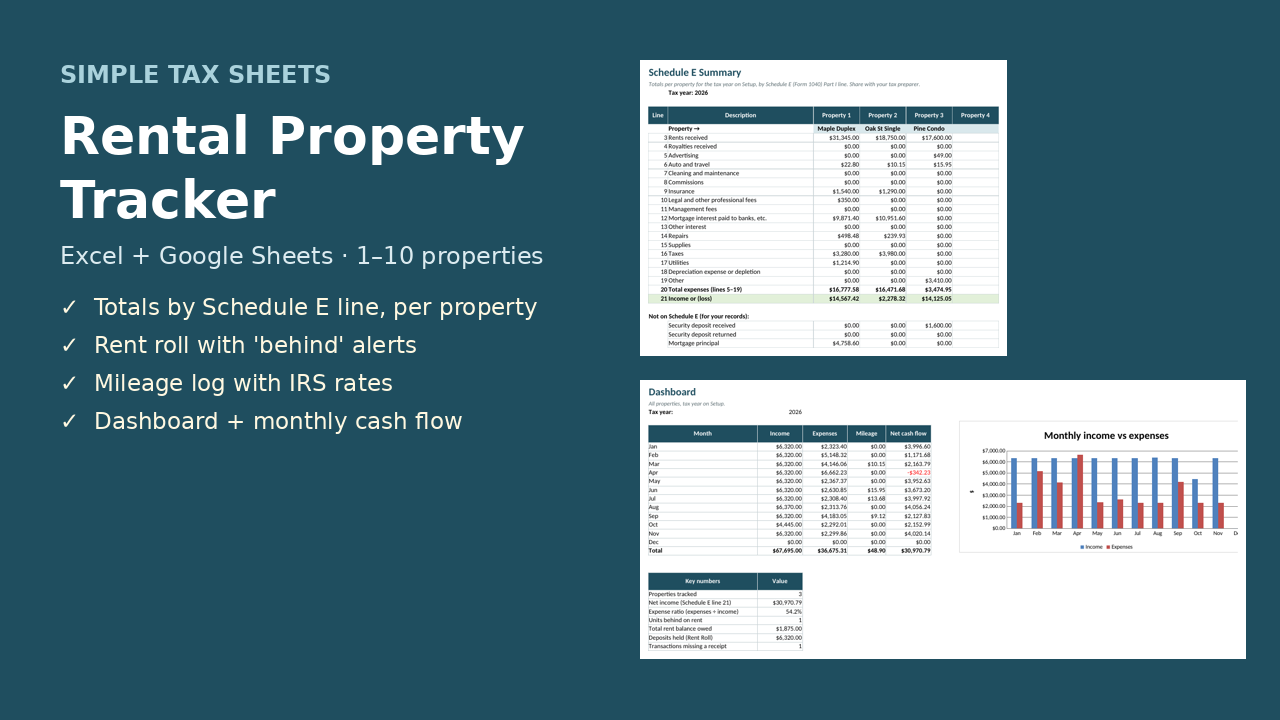
No. It organizes your records so the totals match Schedule E lines. Depreciation, passive-loss limits and personal-use rules are for you and your preparer.
How many properties?
Up to 10 in one file. Schedule E fits three properties per page, and the summary shows every property side by side.
Refunds?
Because it's an instant digital download, see our refund policy. If a formula is broken, we'll fix it or refund you.
This is a record-keeping tool, not tax advice. Line numbers and mileage rates reflect IRS guidance as of 2026. Confirm with a tax professional.